Showing posts with label Quizizz. Show all posts

Sunday, May 13, 2018

Favorite Technology Part 2: Quizizz

     For part 2 of my favorite technology I want to focus on Quizizz.  Quizizz is a little like Kahoot, but there are some differences.  I can't really say that I like Quizizz or Kahoot better, but I find they each have uses that they are best suited for.

       Just in case you're not familiar with either Quizizz or Kahoot, the basic idea is that you create multiple choice questions.  Students answer them and get instant feedback after each question about whether their answer is correct.


      Here are some of the things that I like about Quizizz.

1.  Quizizz is self-paced.  If I want my kids to practice a few questions getting feedback along the way, Quizizz is the way to go.  Students go at their own pace, moving on to the next question as they finish.   Some of my kids that are slower workers find Kahoot to be frustrating, because they are always feeling rushed to keep up with classroom.

This is the student view during a Quizizz.  The top shows the difference between a multiple choice and a multiple mark question.  At the bottom you can see the response for a correct or incorrect answer.
2.  Students see the question on their own screen, rather than on the SmartBoard.  This one might seem minor, but when you have students looking at a graph, table or other image, this can be much easier when it is closer to them. 

3.  You have a lot of flexibility with how much time you give to students.    Quizizz allows longer times.  You can choose to give students any from 5 seconds up to 15 minutes.   This is less stressful for my slower workers.  It also allows for me to ask more in-depth questions that a fast paced Kahoot doesn't allow for.


4.  Easy to combine questions from different quizzes.  Quizizz has the option to add questions from different quizzes with the click of a button.  I LOVE this feature.  Super convenient, and really helps me get the Quizizz just how I like it.

5.  You can assign these as homework or play them live.  I love that you have options.  Honestly, this is usually what helps me decide if I want to use Quizizz or Kahoot.  If I want to play live, I usually go with Kahoot.  With Kahoot, all the kids are doing the same question at the same time.   So I really like Kahoot if I want to be teaching along the way, based on what questions kids are missing.  If I'm really wanting to give kids a chance to work independently, and then decide what direction my teaching needs to go, then I like to use Quizizz.  That way, I can look over the results when everyone finishes.  I really like assigning a Quizizz as homework, as students can do it over and over.  Great opportunity to practice!

6.  It's quiet.  I'll admit it...I love Kahoot, and the kids love Kahoot, but there are days that I just don't have the energy to deal with the noise.  Or when the room next door is taking a test or giving presentations and I need to be quiet.  And then, it's Quizizz to the rescue.  You can use the same types of questions, but it does make for a much quieter classroom.

7.  Great data that is easily accessible as kids play, and when everyone finishes.    I love both views of the Quizizz data while kids are working on it.  You can toggle between two different views:  the first view shows the overall percent of questions correct.  The other view is by question.  I really love the question view, because it really allows me to focus my teaching on the problem areas.
       Then once everyone finishes, there is even more data available.  One of the pieces of data that I really love at the end of the Quizizz is the part that shows the average time spent on a question.  This has led to some good conversations in my room about how rushing and not reading carefully can lead us to poor results.


The top picture shows the question view during the game.  It's nice to be able to see as you go which question students are struggling with.  There is also a student view during the game...you just have to be careful about displaying results with student names.   The bottom picture shows the overview given after the Quizizz is over.  I love that you can see time spent on questions, as well as percent that got it correct.

8.  You have the option to either have multiple choice or multiple mark questions.  I know on our district and state tests, we see a lot of multiple mark questions.  These are so hard for kids, so the chance to practice them is terrific!

If you haven't tried Quizizz yet, maybe it's time to give it a try!

Friday, January 27, 2017

Kahoot or Quizlet Live or Quizizz

I'm a big fan of Kahoot.  I love the instant feedback that I get.  Plus, let's be honest...the kids love it!  Recently, I've found two other things that are along the same lines as Kahoot, but each with their own advantages and disadvantages.  Below, I'll outline what I liked and didn't like about three online class games:  Kahoot, Quizizz and Quizlet Live.

Kahoot
Like I said, I love Kahoot.  I think it's a great teaching tool with formative assessment built in to what you're doing.  When we play Kahoot in my classroom, I have 3 rules:  1.  I have to be able to identify you from your nickname.  2.  Move to a place where you can see.  3.  It needs to be quiet between questions so I can talk.
Kahoot-classroom-technology


Advantages
I think the best thing about Kahoot is that the whole class is answering every question at the same time, so you can teach in between each question as needed.  You can give kids real time feedback about their answers, and often specific feedback about what mistake they made based on the wrong answers they chose.  There is really nothing like this, especially if you'e got multiple questions of the same type in a row.  As a teacher, you find out right away what is going wrong, and get to see if your explanation leads to improved results.
Student engagement is another great advantage.  The kids love it and stay involved....can't beat that!

Disadvantages
There are a few things that I don't love about Kahoot.  One is the general noise level.  My class gets LOUD when we play Kahoot.  Granted, it's because the kids are having fun, but still....that can get exhausting.  But really the main disadvantage to Kahoot for me is time.  My kids are always in a rush on a Kahoot to get the answer quickly so they can get more points.   Kahoots are also difficult to do with problems that take much time to solve, as it's a game of speed.

Quizizz
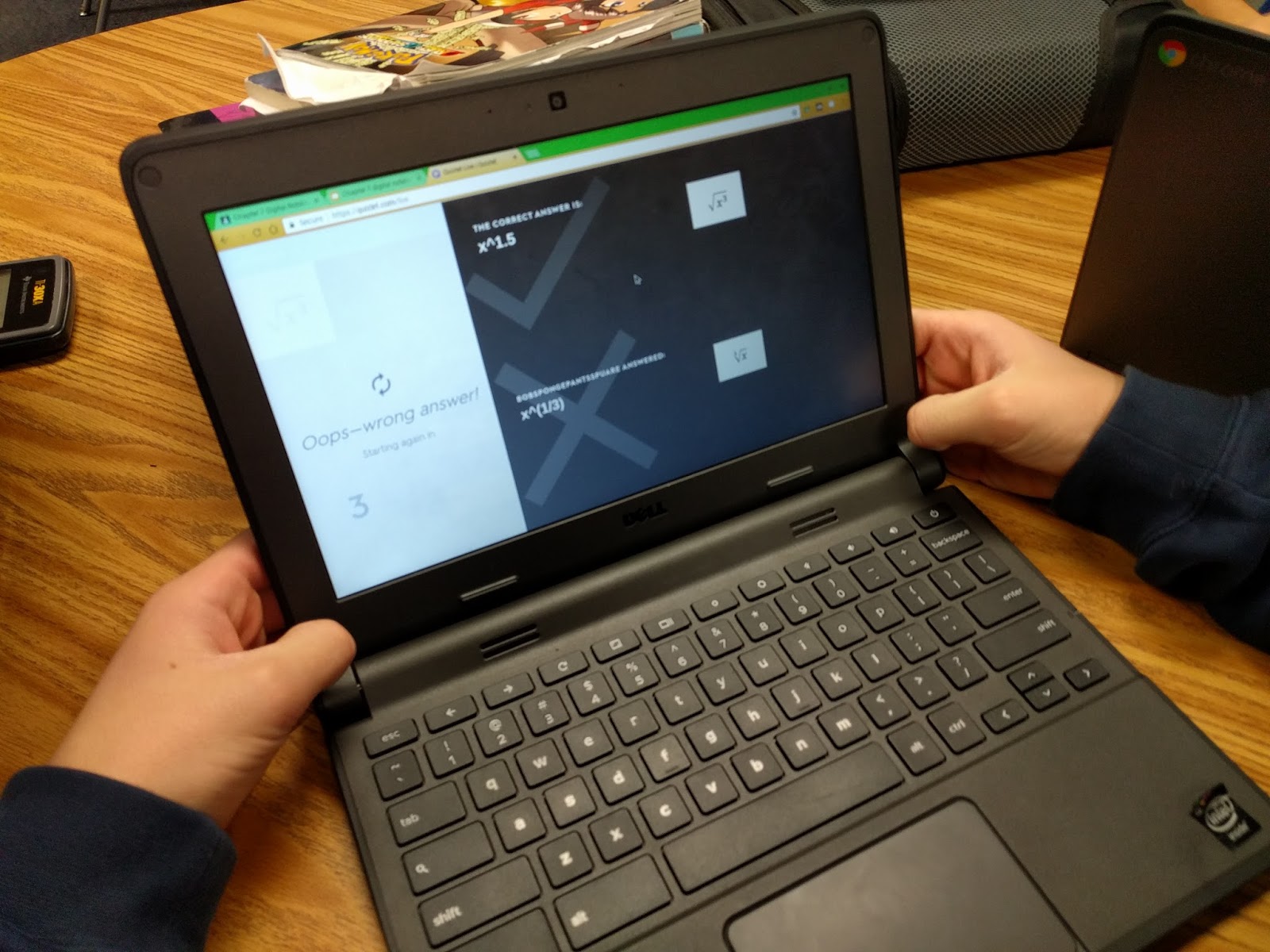
I just found out about Quizizz recently, and I've only had the chance to use it once.  In some ways, it is very similar to Kahoot.  You design a series of multiple choice questions for students to work through.  However, unlike a Kahoot, where the whole class is playing each question at the same time, on a Quizizz students are self-paced.
Kahoot-classroom-technology


Advantages
One cool thing I found about Quizizz is there is really easy ways to pull questions from different existing quizzes and merge them into one.  I'm usually really picky about my questions, so I loved this feature!  Noise level was another advantage.  Kids are basically working on the questions by themselves, and as soon as they finish, the next question comes up.....so less down time for things to get loud.  My students also liked not feeling rushed, and being able to work at their own pace.  The kids also loved the fact that it shows you a meme after each question.
Quizizz-classroom-technology   Quizizz-classroom-technology


Disadvantages
The biggest disadvantage is missing out on the teaching time between questions, since not everyone is on the same  question at the same time.  My original Quizizz was 16 questions long, but that seemed way too long when I wasn't getting to give feedback between questions.  I think if I were to use this again, I would make several small Quizizz games (2-4 questions each, probably) so then I could teach in between games as we reviewed the questions.

Quizlet Live
Quizlet Live has students working collaboratively on a set of questions, trying to match the answers. The way I understand it, each kid on the team gets the same question, and they all have several options to pick from....but only one of them has the right answer.  So they have to work as a group, seeing between their whole team who has the correct answers.  If they miss a question, they have to go all the way back to 0.  It is a race to see which team finishes first.
Quizlet-classroom-technology  Quizlet-classroom-technology


Advantages
The biggest advantage is that my kids absolultely LOVE this....maybe even more than Kahoot.  I also love that it adds the collaboration piece.  It also really makes them think, not even knowing if any of the answers are correct.  I like hearing the conversations my students have as they tell each other how they know that none of their answers are correct.  Great conversations!
Quizlet-classroom-technology

Disadvantages
This is a little embarrassing to admit, but one of my colleagues actually came and closed my door because my class was loud playing this.  But I'm also kind of ok with that because they were learning and having so much fun too.   The main disadvantage that I can think of is that to do quizlet live, you start out with a set of digital flashcards, and then it mixes the answers up.  I suppose there might be some content that is hard to figure out how to make it work on a flashcard.
Quizlet-classroom-technology